
If you're the person in the family who sets up the Wi-Fi, picks the thermostat and has opinions about USB-C, the front door is probably next on your list. Good news: smart locks have gotten a lot better, and eufy makes some of the best values out there right now.
We install eufy locks for homeowners all over the Sacramento area, so here's a straight comparison of the three models we recommend most, what actually matters when you put one on a real door, and which one we'd pick for different setups.
Why we like eufy
Wi-Fi is built into the lock. No separate hub or bridge to plug in behind the couch. The lock talks straight to your router and the eufy app.
No monthly fee. You're not signing up for a subscription to use your own front door.
Fast fingerprint readers. On the fingerprint models you touch the sensor and the bolt is already moving. Kids get it in about five seconds.
Codes per person. Everyone gets their own code, so you can see who came and went in the activity log, and delete one code without changing everyone else's.
Temporary access. Give the dog walker, house cleaner or a contractor a code that only works when you want it to, or unlock remotely from the app.
The three locks we recommend
eufy Video Smart Lock E330: lock + doorbell camera in one
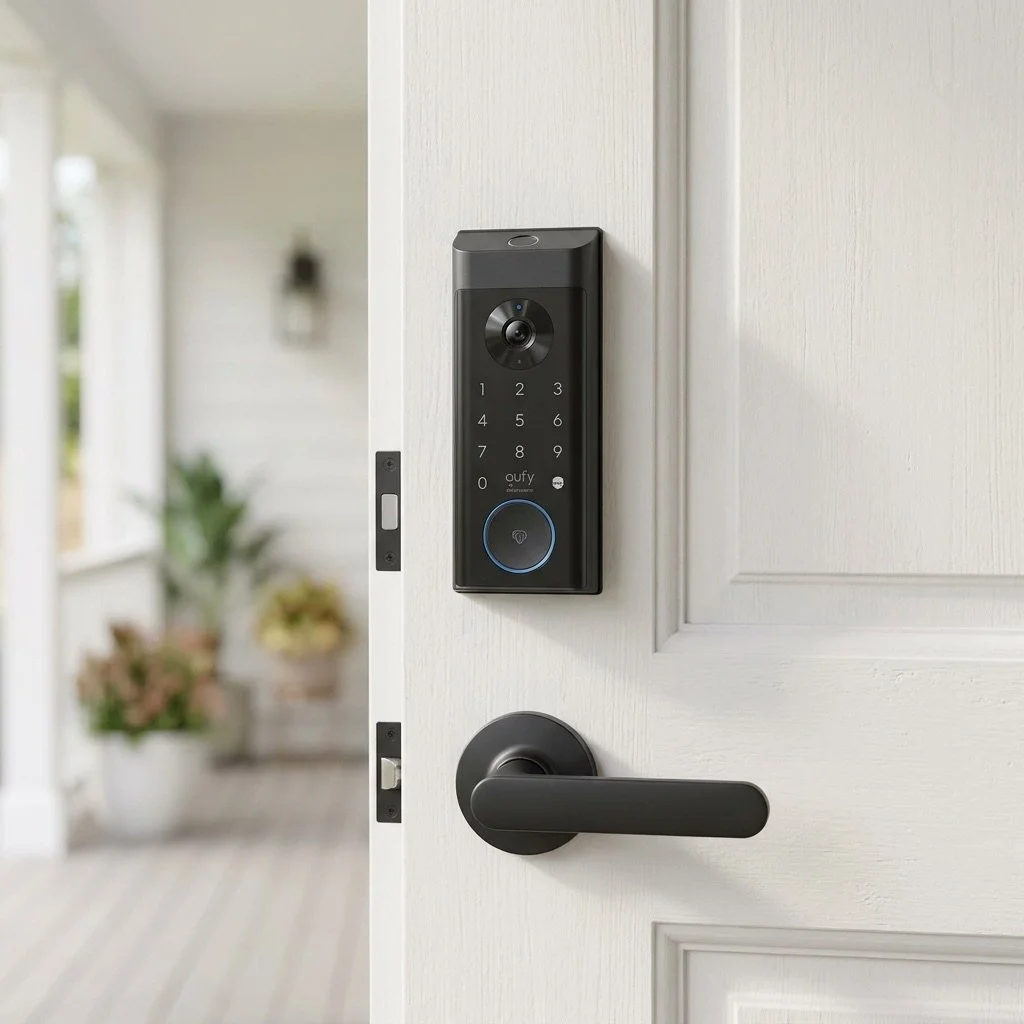
The E330 is the one tech people get excited about. It's a fingerprint, keypad and key lock with a 2K doorbell camera built right into the front of it. Someone rings, you see them on your phone, and you can let them in from the same app.
Unlock by fingerprint, code, app or physical key
2K video and a built-in doorbell button
Rechargeable battery instead of disposable AAs
Local video storage, no monthly fee
Best for: front doors where you'd otherwise buy a separate video doorbell, especially houses where running doorbell wiring would be a pain. One device instead of two.
Keep in mind: the camera is mounted at lock height, so the view is lower than a typical doorbell. It's great for faces and package drop-offs; it's not a wide yard camera.
eufy Smart Lock C220: fingerprint without the camera
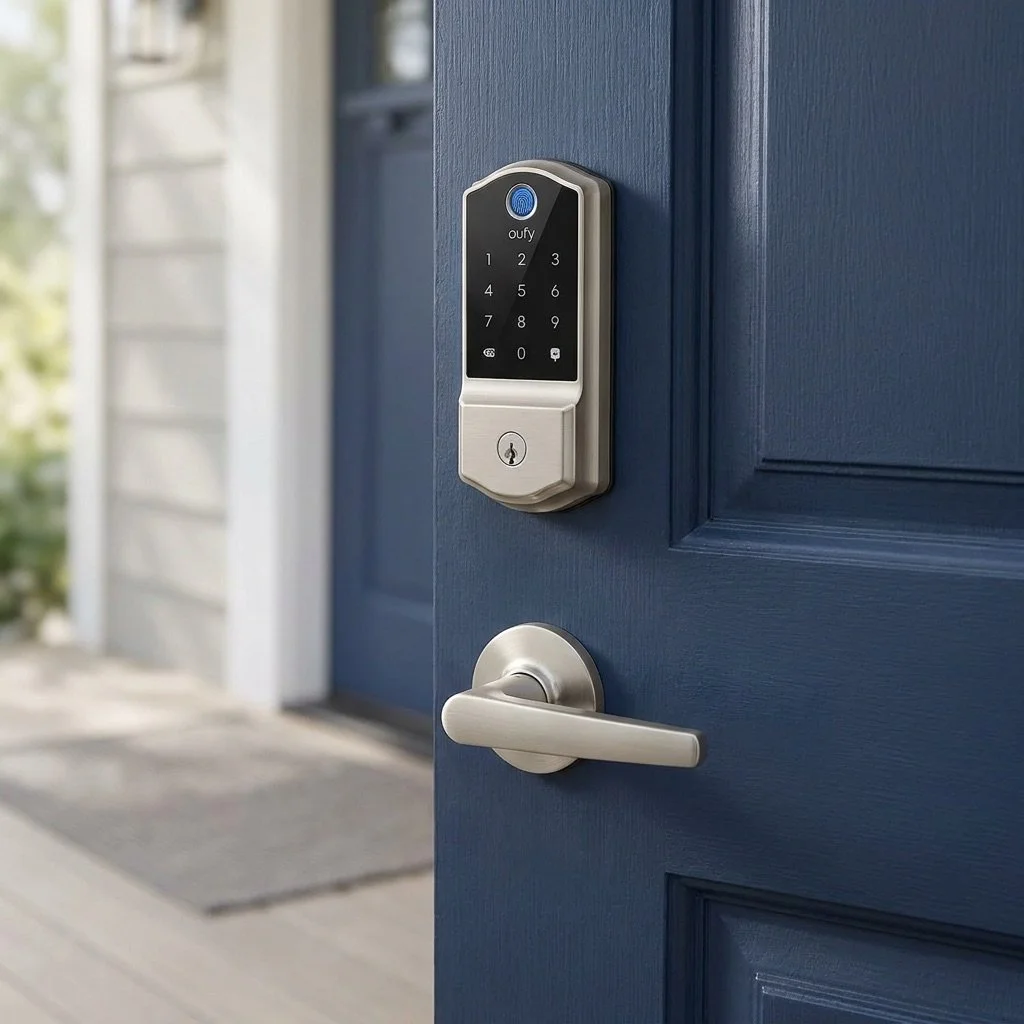
The C220 gives you the same fingerprint convenience in a smaller, cleaner package with no camera. It comes in two finishes, satin nickel and a classic matte black, so it can match the rest of your hardware.
Unlock by fingerprint, code, app or physical key
Built-in Wi-Fi, no hub
Runs on AA batteries
Pairs with eufy cameras and doorbells if you already have them
Best for: people who already have a video doorbell (or don't want a camera on the lock) but want to stop digging for keys with their hands full.
eufy Smart Lock C30: the simple keypad lock
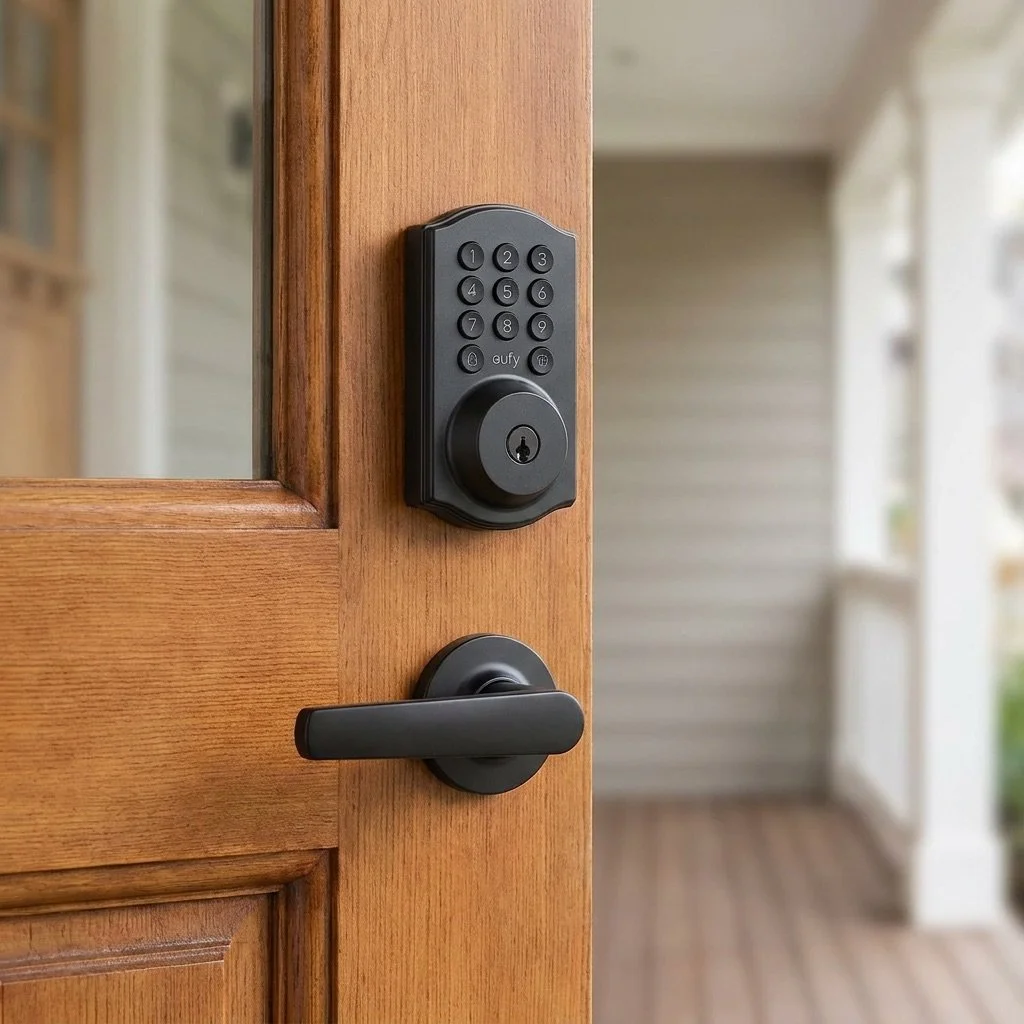
The C30 skips the fingerprint reader and keeps it simple: a keypad, the app, and a backup key. It's the most affordable of the three and it's tough enough for an exterior door in a Sacramento August.
Unlock by code, app or physical key
Built-in Wi-Fi, remote unlock and activity log
Works with eufy video doorbells and security cameras
Best for: side doors, garage entry doors, rentals and ADUs, or anyone who just wants "no more keys" without paying for features they won't use.
Quick picks
Want one device that does it all at the front door? E330.
Want fingerprint, already have a doorbell camera? C220 (nickel or black).
Want keyless on a budget, or outfitting a second door? C30.
A lot of our customers mix them: an E330 on the front door and a C30 on the garage entry or side door, all in the same app.
What to check on your door before you buy
This is the part the product page doesn't tell you, and it's why smart locks get bad reviews they don't deserve.
Your deadbolt has to slide freely. If you have to push or pull the door to get the deadbolt to turn, a motorized lock will struggle, drain its battery and eventually jam. Close the door and turn the bolt with just two fingers. If it drags, the door or strike plate needs adjusting first. We do this on every install.
Wi-Fi at the front door. Stand outside with the door closed and check your phone's signal. Metal doors and stucco walls can knock it down. A weak signal means a slow app and missed alerts. A mesh node near the entry usually fixes it.
Standard door prep. Most Sacramento homes have standard deadbolt holes, and eufy locks fit them. Older doors, custom doors and some steel doors may need a little drilling or a different backset.
Handle set. These are deadbolts. If your handle below has its own keyed lock, consider swapping it for a passage or dummy handle so nobody gets locked out by the knob.
Keep the backup key somewhere outside the house. Batteries run low and the app will warn you, but a backup key with a neighbor or in a lockbox is cheap insurance.
Setup tips once it's on the door
Turn on auto-lock with a delay long enough to carry groceries in (30 to 60 seconds works for most people).
Enroll two fingers per person, one on each hand. Wet or dirty hands happen.
Give every person their own code and name it in the app. It makes the activity log actually useful.
Use scheduled or one-time codes for cleaners, dog walkers and contractors instead of sharing yours.
Update the firmware when the app asks. It's how fixes and new features show up.
Want it installed right the first time?
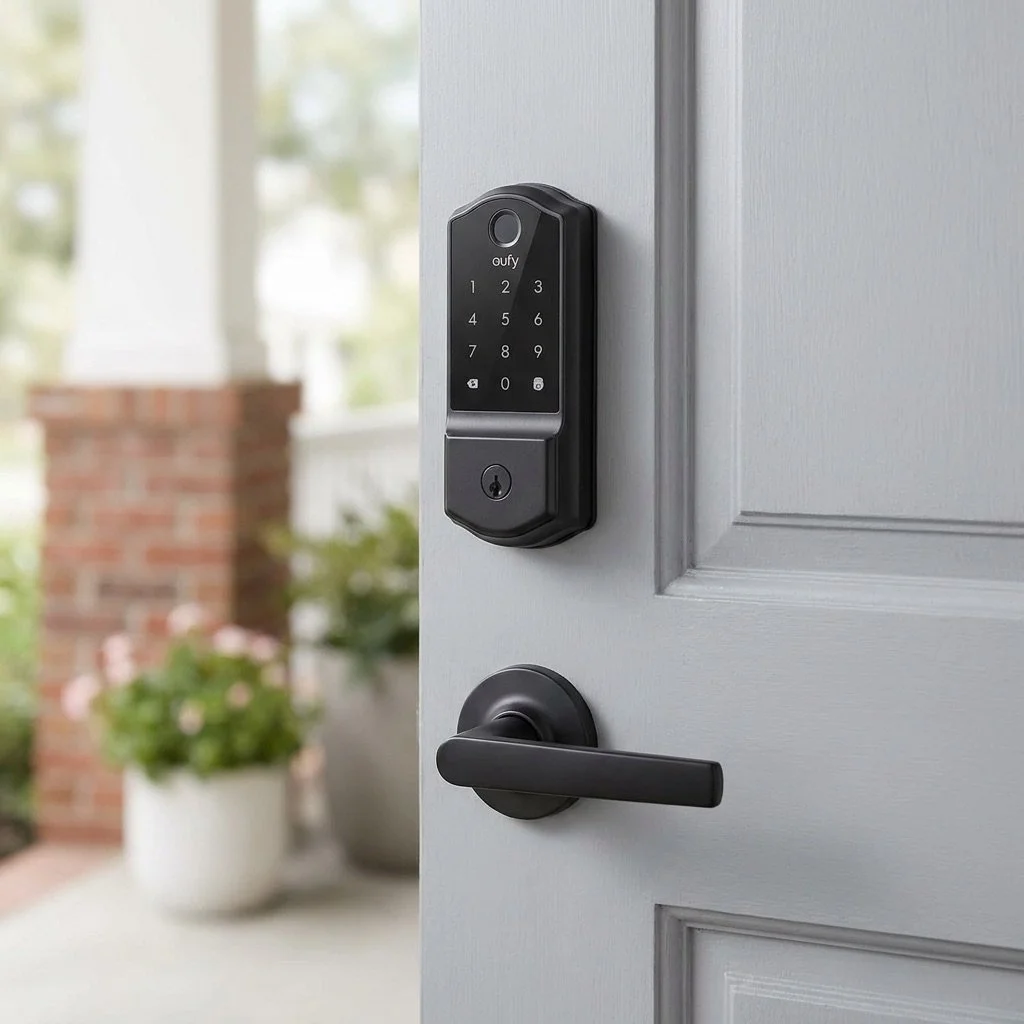
QuickTurn installs eufy E330, C220 and C30 smart locks for homeowners across the Sacramento area. Our own licensed technicians mount the lock, tune the door so the bolt moves freely, connect it to your Wi-Fi and phone, and set up everyone's codes before we leave.
Pick your eufy lock and request a quote, or call us at (916) 573-9859.
